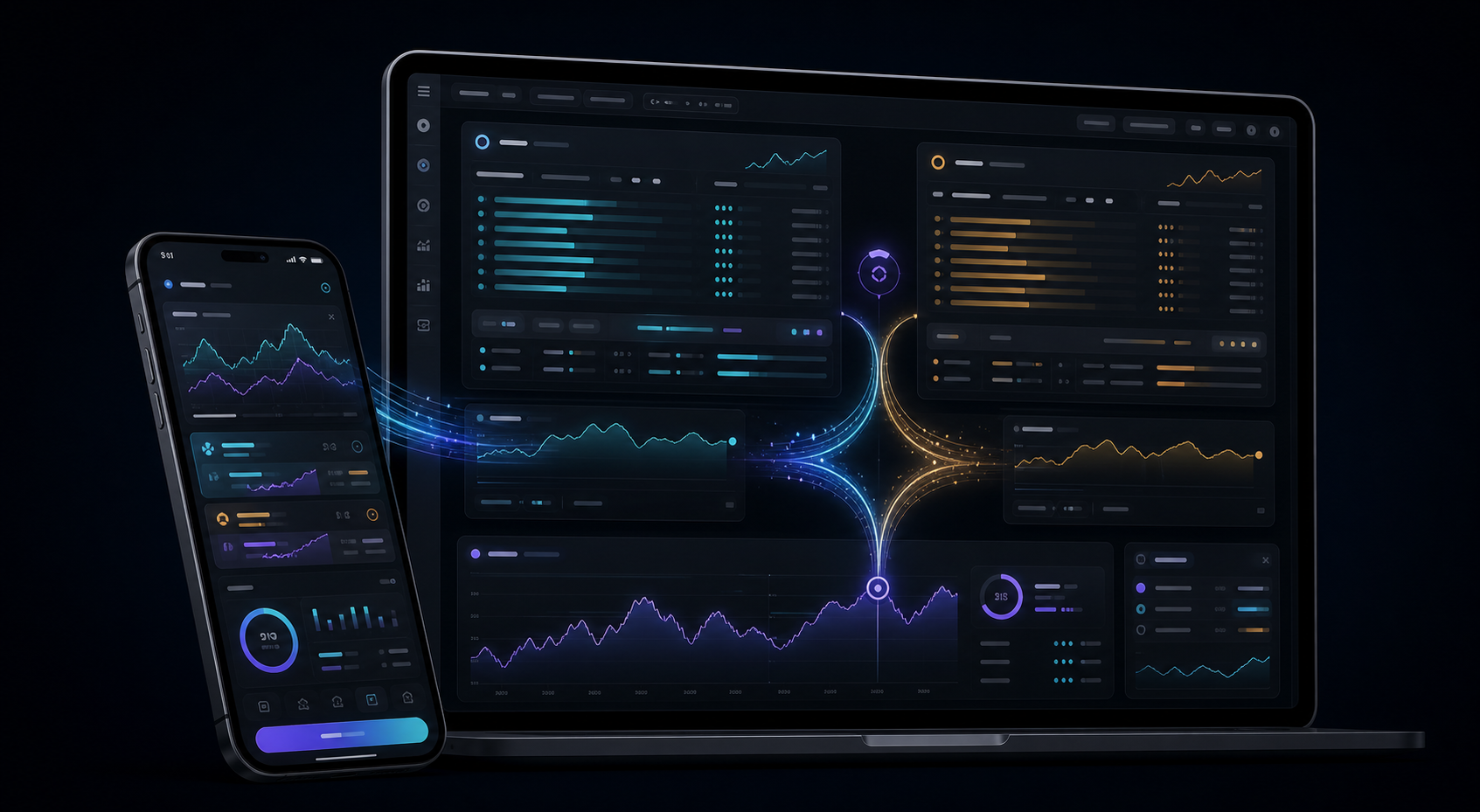
Crypto arbitrage · Bybit + Binance

Earn from price differences across exchanges

Open positions on Bybit and Binance at the same time and trade the spread between them — manually or automatically.

Sign up with a crypto wallet. Your assets stay in your exchange accounts.

SIGNALPrice difference detected
VERIFYConditions confirmed
EXECUTETwo opposing orders
01
Bybit + Binancetwo exchanges, one interface
02
HAND + GO ARBYmanual and automated modes
03
No custody of fundsassets stay on exchanges

How it works

One signal. Two opposing orders.

ARBY connects spread monitoring, your decision, and execution in one continuous flow. No need to assemble a trade across separate apps.

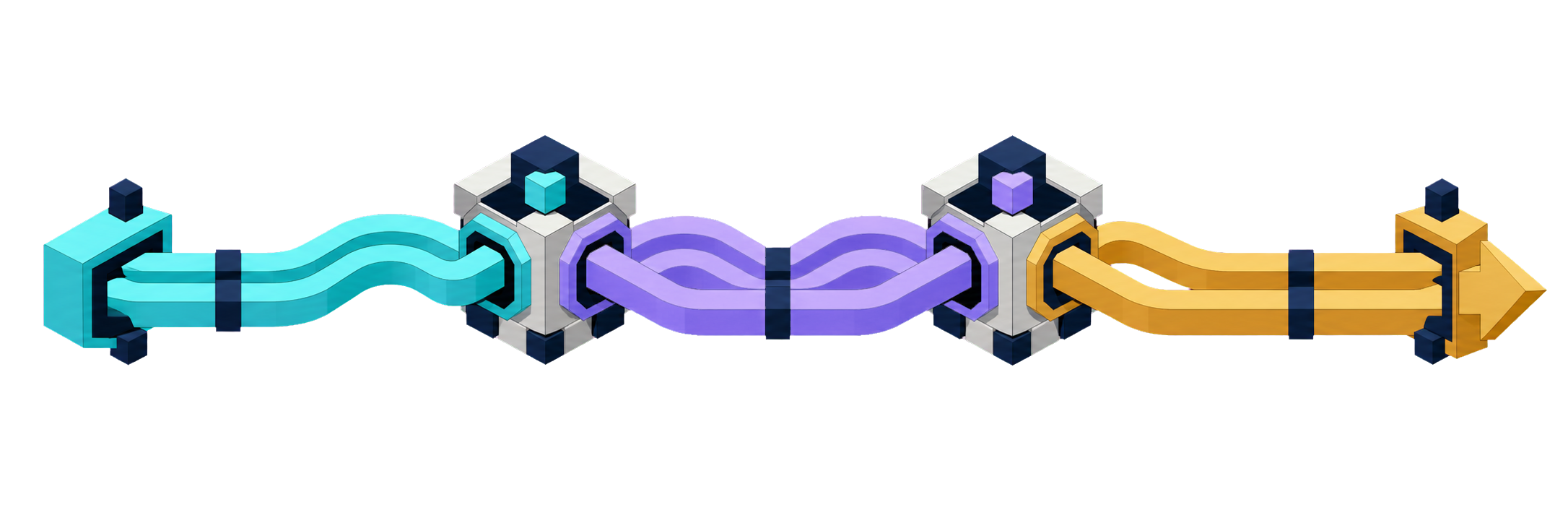
A light flow moves through the signal, verification, and execution stages
  1. 01

    Connect exchanges

    Create separate API keys for Bybit and Binance with trading access and withdrawals disabled.

  2. 02

    Choose a mode

    Trade manually, set thresholds for one coin, or let the system search for the best spread.

  3. 03

    Wait for the spread

    ARBY shows the price difference between exchanges and monitors your entry and exit conditions.

  4. 04

    Open two positions

    Orders are sent to Bybit and Binance from one interface — without switching between four windows.

PRIVATE / 01

Privacy

Connect your wallet. No forms or documents.

To sign up, connect a supported crypto wallet. No email, name, or passport details are required. Trading funds remain in your own Bybit and Binance accounts — ARBY does not hold or move assets.

Crypto walletEmailPassportFull name

SECURE / 02

Security

Trading access — no withdrawal permission.

Connect API keys with minimum permissions: market data and trading. Withdrawal access must remain disabled. Step-by-step setup is available inside the app.

Market data Trading Withdrawals

ARBY encrypts API keys; minimum permissions and IP restrictions add another layer of security.

Three levels of control

Trade manually. Automate the rules. Or the entire search.

Start in manual mode and move to automation when you are ready.

HANDManual

01

Keep control in your hands

Choose a coin, watch the spread, and decide when to enter and exit. ARBY synchronizes the action across both exchanges.

  • You choose the coin
  • You choose the moment
  • Two orders in one action
GO ARBYThresholds

02

Automate entry and exit

Set the spread for opening and closing a position. The system keeps watching the selected coin and acts on your conditions.

  • Your entry and exit thresholds
  • Automatic monitoring
  • Runs without an open screen
GO ARBY + AUTOFull auto

03

Let ARBY find the best spread

The system scans the available market and switches to coins with a more suitable spread in real time.

  • Automatic coin selection
  • Market scanning
  • Execution on your settings

One trading screen

See both sides of the trade at once.

Quotes, position direction, the current spread, and your selected mode stay in one context — on the web or in Telegram.

01

Comparetwo exchanges without switching

02

Controlentry and exit from one place

03

Automateonly the conditions you define

ARBITRAGE DATA
DEMO DATA
BTC / USDTGO ARBY05:41:39 UTC
BYBITSHORT

$ 118,420.50

ASK118,428.20
BID118,420.50
BINANCELONG

$ 116,280.10

ASK116,284.40
BID116,280.10
ENTRY THRESHOLDSPREAD +1.84%
BINANCE · LONGPOSITION OPENBYBIT · SHORT

Advanced automation

The flow keeps working after entry.

Three features respond to a wider spread, price movement, and Funding Rate differences using rules you define in advance.

SPREAD+01

Increase position at a better spread

If the spread widens by your chosen step after entry, Load more when spread+ can automatically add size to the position.

You set the step and size
PRICE+02

Maintain a liquidation buffer

When the price rises, Load more when price+ can add size to the Binance hedge position and move the liquidation level farther away.

The feature reduces risk but does not remove it
FR PROTECTION03

Funding Rate before settlement

Before funding is charged, ARBY compares rates and can temporarily adjust the hedge when your configured difference is reached.

The goal is to reduce the impact of an unfavorable rate gap

ARBY always within reach

Choose your interface and configure your flow.

Use the web version on a large screen and Telegram when mobility matters. Both connect to the same app and your trading settings.

FAQ

The essentials before you start.

Still have a question? Contact support inside the Telegram app.

01Where are my funds held?

In your Bybit and Binance accounts. ARBY is not a wallet and does not take custody of assets: the app sends trading commands through the API.

02Which API permissions are required?

Only the permissions required for market data and trading. Do not enable withdrawals. If the exchange supports IP restrictions, use them and revoke the key if you suspect it has been compromised.

03Does ARBY guarantee a profit?

No. The spread can change during execution, and fees, slippage, liquidity, Funding Rate, and market risk affect the result. Strategy settings and trading decisions remain the user's responsibility.

04Must the app stay open?

In manual mode, yes — you make the decision. Automated modes continue monitoring your configured conditions after the strategy is set.

05Where can I use ARBY?

In the web version or through the Telegram app. Choose the interface that suits the moment — the trading logic remains the same.

Important

Cryptoasset trading involves significant risk. Automation, hedging, and disabling withdrawal access on API keys do not eliminate trading losses, configuration errors, liquidation, or key compromise. This website does not provide personalized investment advice.